
How to Add Social Share Buttons for Systeme.io – Drive More Traffic
How to Add Social Share Buttons for Systeme.io – Drive More Traffic
Let your readers share your content with one click – Facebook, X (Twitter), LinkedIn, and more.
Why Share Buttons Matter
You've written great content. But if people can't easily share it, you're leaving traffic on the table.
- Free traffic – every share is a potential new visitor
- Social proof – share counts signal credibility
- Easy engagement – readers share without leaving your page
- Zero coding required – you're about to see how simple it is
What You'll Get
A clean set of share buttons that look professional, match your brand, and work on all devices:
- ✅ X (Twitter) – updated to the new logo
- ✅ WhatsApp, Telegram, Reddit, Email, Pinterest – toggle on/off as needed

The 3-Minute Setup
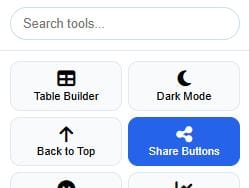
Step 1: Open Systoolbox Pro
Go to the tool page and select 📱 Share Buttons from the sidebar.
Step 2: Pick Your Networks
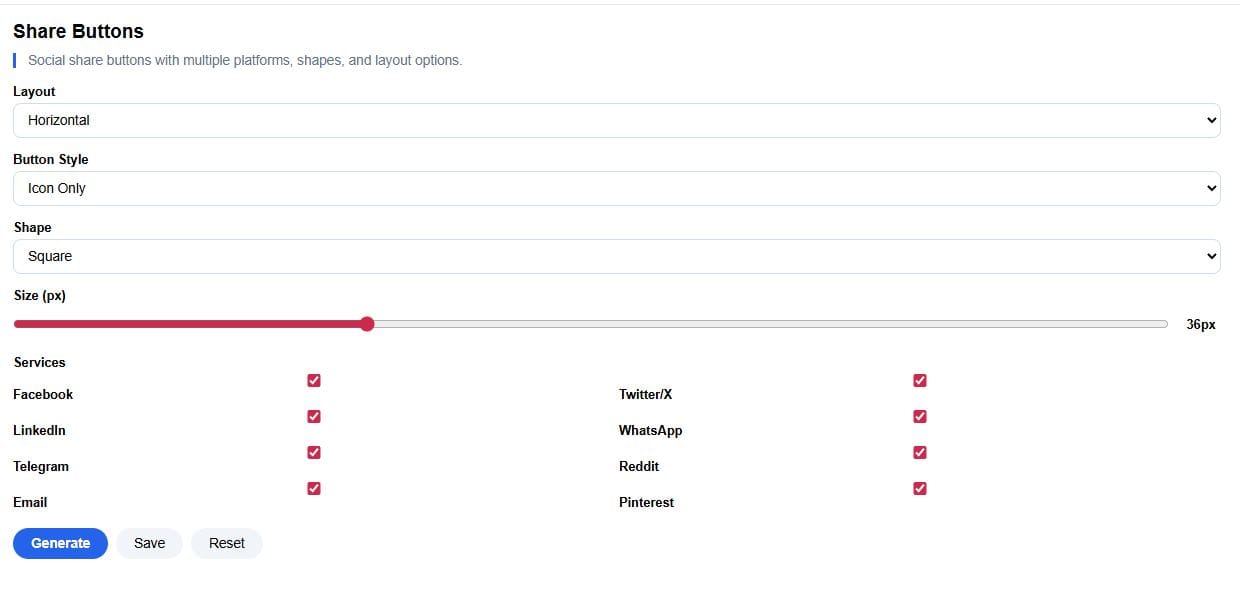
Tick the services you want – Facebook and X are checked by default.
- Pro tip: Click "Select All" to enable all networks at once
- Remove any you don't need – less clutter, cleaner look
Step 3: Customize the Look
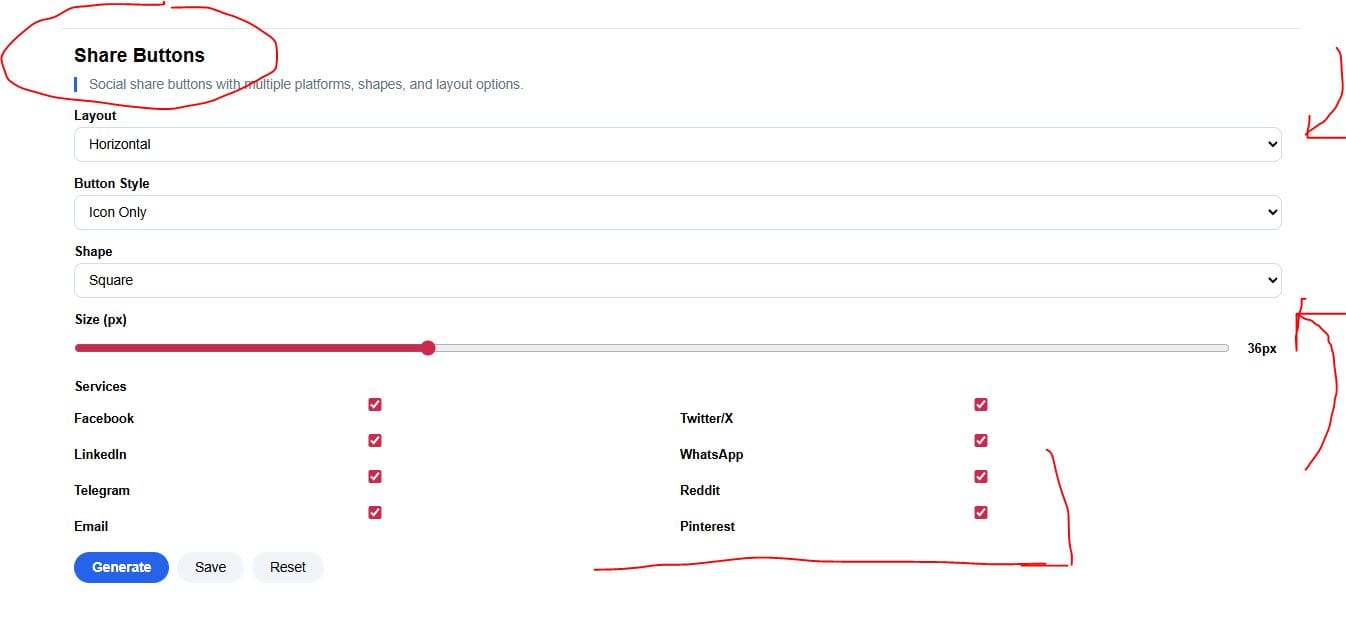
Make the buttons feel like part of your brand:
| Setting | What it does |
|---|---|
| Layout | Horizontal or vertical – vertical is great for sidebars |
| Style | Icon only, Icon + Text, or Text only – choose what fits your page |
| Shape | Round, Square, or Pill – match your design system |
| Size | Adjust from 24px to 64px – bigger is easier to tap on mobile |
Step 4: Generate & Copy
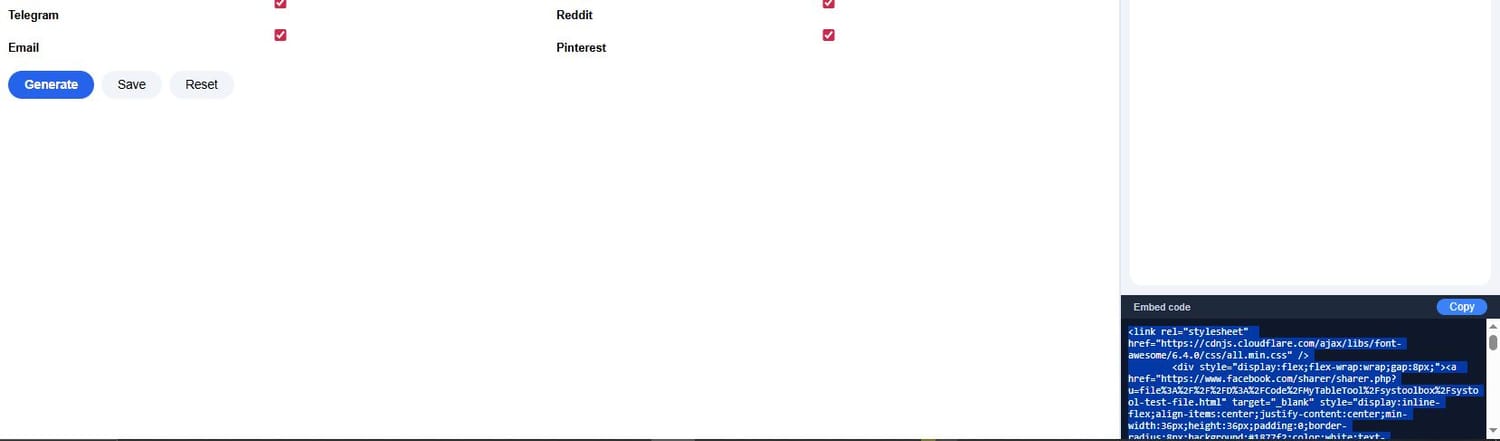
Click "Generate" – the live preview updates instantly. Then copy the code from the Embed section.
Step 5: Paste into Systeme.io
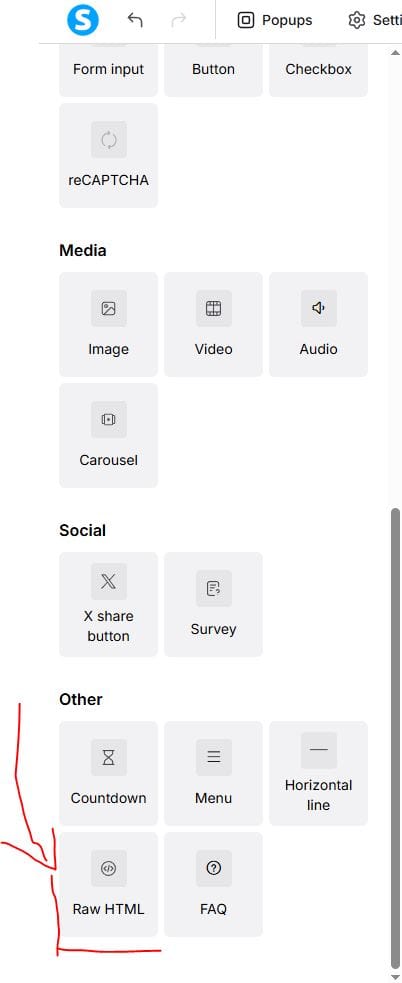
- Add a Raw HTML block to your page
- Click "Edit code"
- Paste the code
- Save and publish
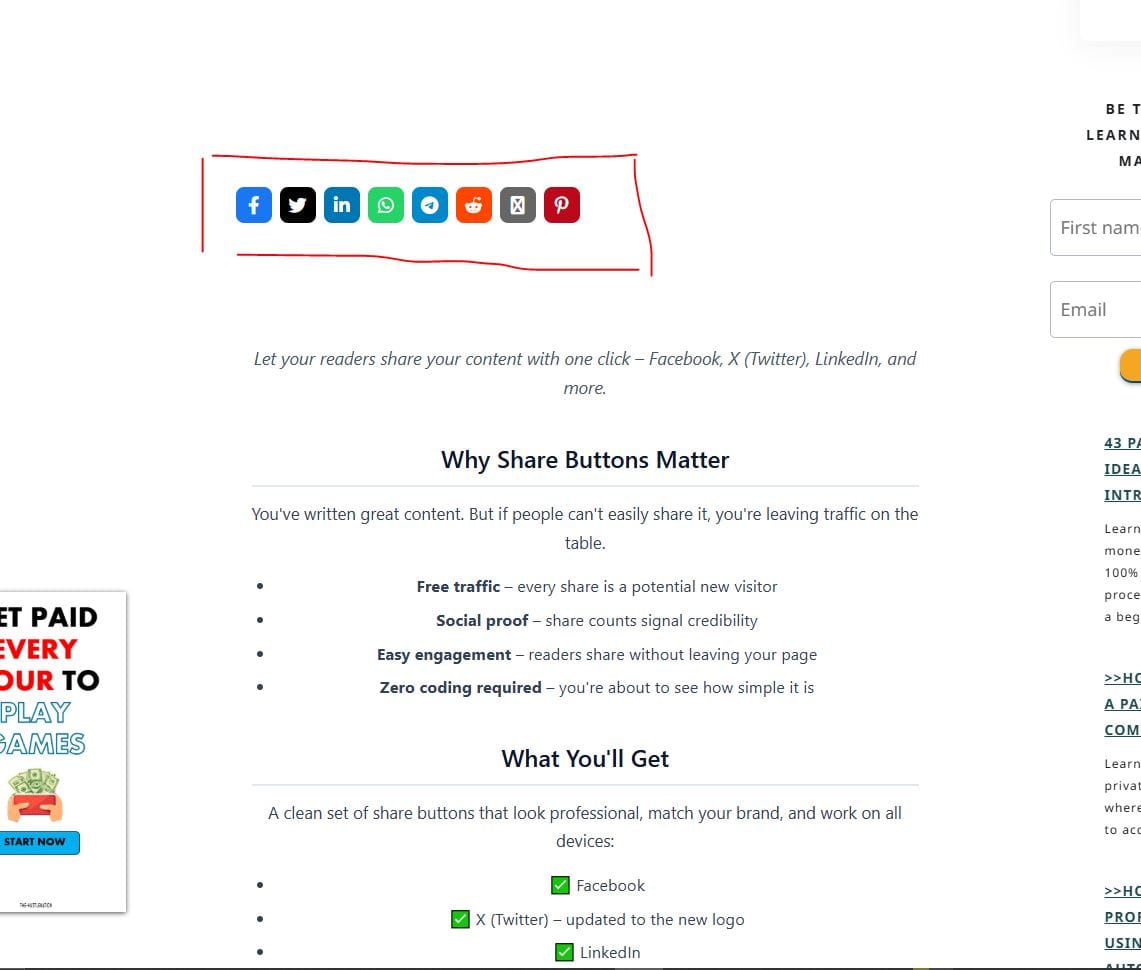
What It Looks Like Live
Here's the final result – clean, professional, and ready to drive traffic.
Quick Troubleshooting
| Issue | Solution |
|---|---|
| Buttons not showing | Publish the page – it's normal in preview mode |
| Icons missing | Make sure Font Awesome loads – the code includes it automatically |
| Too many / too few buttons | Go back to settings, adjust your service selections, and regenerate |
| Buttons look misaligned | Check Layout setting – horizontal for inline, vertical for stacked |
| X (Twitter) icon outdated | We've updated to the new X logo – it's included automatically |
Ready to Add Share Buttons?
That's all it takes – under 5 minutes, no coding, no hassle.
>>> Try the Share Buttons tool now
Next up: Emoji Rating – collect feedback with a fun, interactive widget.
Found this helpful? Drop a comment below – I read every one.
COMMENTS
BE THE FIRST TO LEARN NEW WAYS TO MAKE MONEY
Learn how to earn money without being 100% involved in the process. Even if you're a beginner.
Learn how to start a private community where people will pay to access your content.
Algorithmic trading uses trading advisors to place trades on the markets to earn profits while you're somewhere else.

12 creative and realistic ideas to turn 10k into 100k for profit. Read more

The New Way to Start Affiliate Marketing. How to make it less time consuming while earning more even as a beginner. Read more


By Julian Croft
Julian Croft (Jesse) is the founder of The Hustle Nation, a blog dedicated to helping introverts build genuine passive income (not the hyped one) through faceless, sustainable methods. After a decade in data analysis, he now uses his research skills to cut through the online hype and deliver actionable, trustworthy advice.




The Hustle Nation is your #1 community to find passive income ideas for introverts, side hustle ideas, online side jobs. Join part-time hustlers on the path to financial freedom with proven strategies, tools, and inspiration to benefit from your free time. Learn newest tricks to earn money on the internet without showing your face on a camera. All our posts are not financial advise. Always do Your Own Research for informed decision.