
Add a Dark Mode Toggle to Systeme.io – Easy Step-by-Step
Add a Dark Mode Toggle to Systeme.io – Easy Step-by-Step
A 5-minute guide to giving your site a modern dark/light switch.
Why Add Dark Mode to Your Site
✅ Better UX – users can choose their preferred viewing experience
✅ Accessibility – reduces eye strain, especially in low-light environments
✅ Modern feel – it's a feature users now expect
✅ Easy to implement – no coding skills required
Step-by-Step (5 Minutes)
Step 1: Open Systoolbox Pro
Navigate to the tool page here and select 🌙 Dark Mode from the sidebar.
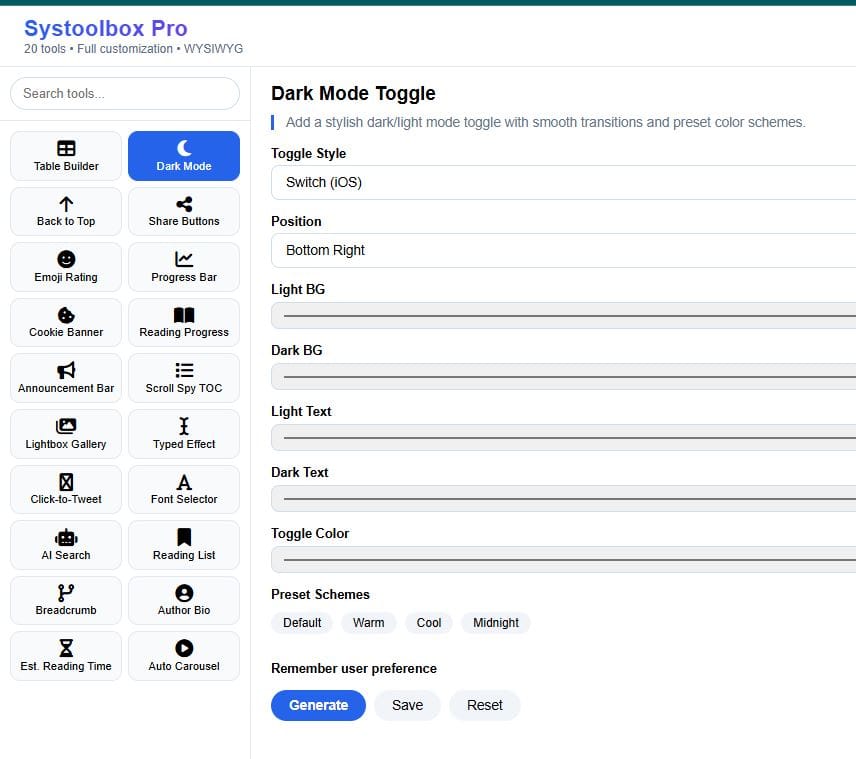
Step 2: Customize Your Toggle
Choose your preferences:
| Setting | Options |
|---|---|
| Style | Switch (iOS), Button, or Icon Only |
| Position | Bottom Right, Bottom Left, Top Right, Top Left, or Inline |
| Colors | Light BG, Dark BG, Light Text, Dark Text, Toggle Color |
| Preset Schemes | Default, Warm, Cool, Midnight (one-click apply) |
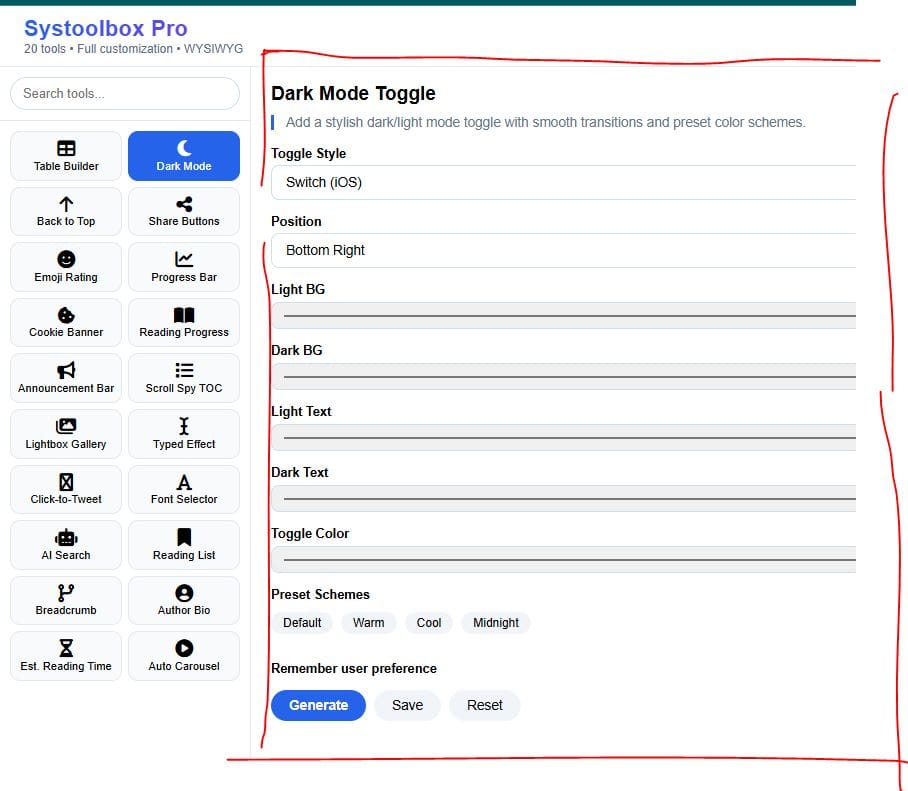
💡 Pro Tip: Try the preset schemes – they instantly apply cohesive color palettes.
Step 3: Generate the Code
Choose your preferences:
Click "Generate" – the live preview updates instantly.
[screenshot: Generate button and live preview]
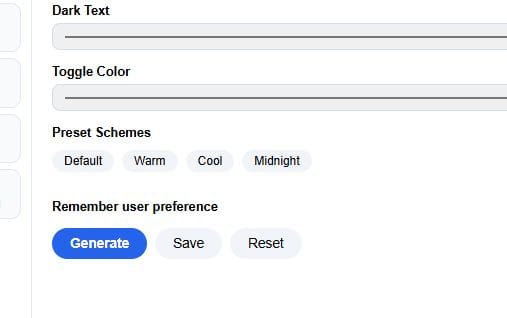
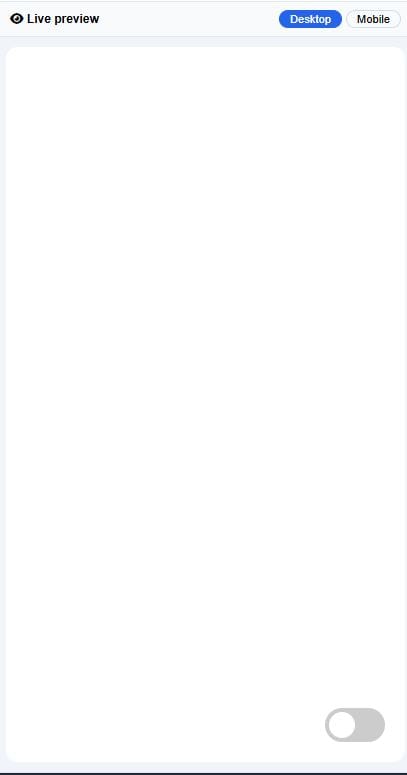
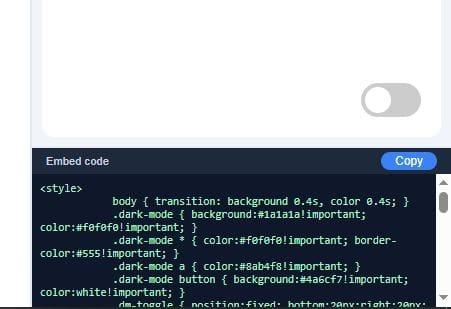
The code appears in the Embed Code section at the bottom.
[screenshot: Embed Code section with the generated HTML]
Step 4: Copy & Paste
Click "Copy" in the Embed Code section
Open your Systeme.io page editor
Add a Raw HTML block
Click "Edit code" and paste
Save the page
⚠️ Note: The toggle won't show in Systeme.io's Preview mode – publish the page to see it live.
What It Looks Like Live
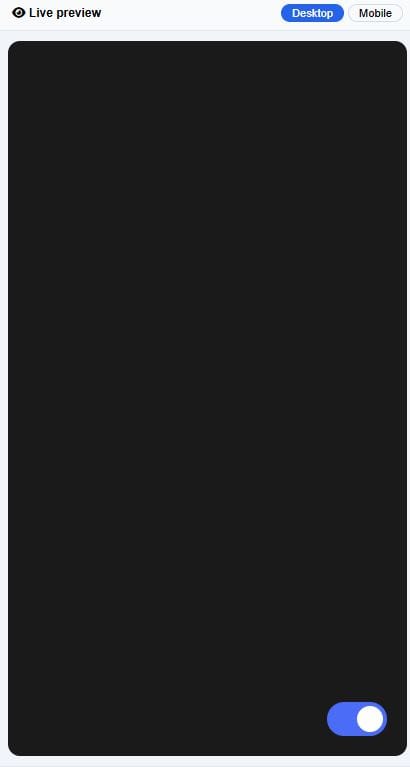
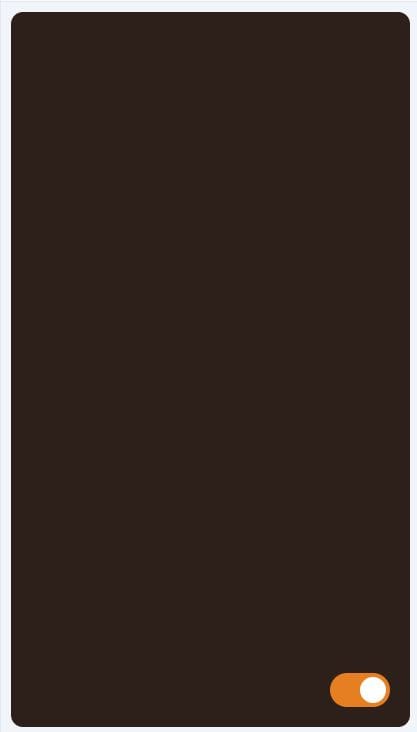
The toggle appears in your chosen position and automatically saves the user's preference in their browser.
⚠️ Note: The toggle won't show in Systeme.io's Preview mode – publish the page to see it live.
What It Looks Like Live
| Issue | Solution |
|---|---|
| Toggle not showing | Publish the page – it's normal in preview mode |
| Colors look off | Adjust Light/Dark BG and Text colors |
| Remember preference not working | Make sure the 'Remember user preference' checkbox is checked |
| Toggle position wrong | Change Position setting and regenerate |
| Toggle style not updating | Select different Style option and regenerate the code |
| Dark mode not persisting after page refresh | Enable 'Remember user preference' – it stores the setting in localStorage |
Done
You just added a professional dark mode toggle to your Systeme.io site – in under 5 minutes, with zero coding.
Next: Check out the Back to Top tutorial – add a floating scroll button that improves navigation.
That's it.
COMMENTS
BE THE FIRST TO LEARN NEW WAYS TO MAKE MONEY
Learn how to earn money without being 100% involved in the process. Even if you're a beginner.
Learn how to start a private community where people will pay to access your content.
Algorithmic trading uses trading advisors to place trades on the markets to earn profits while you're somewhere else.

12 creative and realistic ideas to turn 10k into 100k for profit. Read more

The New Way to Start Affiliate Marketing. How to make it less time consuming while earning more even as a beginner. Read more

By Julian Croft
Julian Croft (Jesse) is the founder of The Hustle Nation, a blog dedicated to helping introverts build genuine passive income (not the hyped one) through faceless, sustainable methods. After a decade in data analysis, he now uses his research skills to cut through the online hype and deliver actionable, trustworthy advice.




The Hustle Nation is your #1 community to find passive income ideas for introverts, side hustle ideas, online side jobs. Join part-time hustlers on the path to financial freedom with proven strategies, tools, and inspiration to benefit from your free time. Learn newest tricks to earn money on the internet without showing your face on a camera. All our posts are not financial advise. Always do Your Own Research for informed decision.