
Add a \"Back to Top\" Button on a Systeme.io website – Quick Tutorial
Add a \"Back to Top\" Button on a Systeme.io website – Quick Tutorial
A 5-minute guide to helping visitors navigate your long-form content with ease.
Why Add a Back to Top Button?
Better UX – visitors can quickly return to the top without scrolling
Reduces friction – especially important on long blog posts or sales pages
Professional feel – small touch that signals attention to detail
Completely customizable – match your brand colors and style
Pro Tip: Research trending topics and affiliate programs in your area of interest. Use tools like Google Trends or social media platforms to see what’s hot right now. The right niche can lead to a loyal audience and, ultimately, higher commissions!
Step-by-Step (5 Minutes)
Step 1: Open Systoolbox Pro
Navigate to the tool page and select ⬆️ Back to Top from the sidebar.
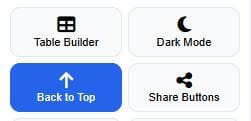
screenshot: Back to Top tool selected
Step 2: Customize Your Button
Select your preferences:
| Setting | Options |
|---|---|
| Style | Circle |
| Position | Bottom Right |
| Button Color | Choose your brand color |
| Hover Color | Slightly darker shade for hover |
| Icon Color | White or contrast color |
| Size | 40–80px |
| Icon | Arrow Up |
| Show Text | On/Off |
| Scroll Offset | 100px (default) – customize to your preference |
| Animation | Smooth |
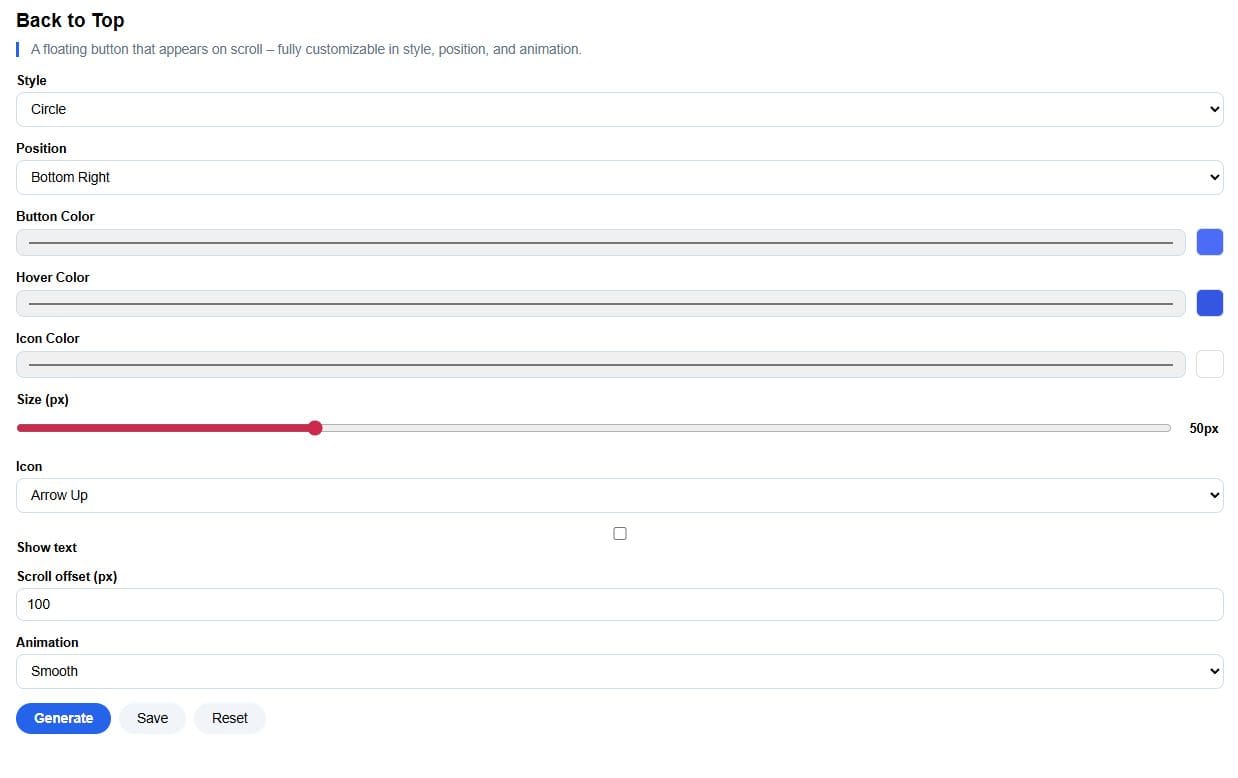
settings panel with style, position, color pickers, and size slider
💡 Pro Tip: Pill style with text works great for mobile users – easier to tap.
Step 3: Generate the Code of The Tool
Click "Generate" – the live preview updates instantly with a tall page to test scrolling.
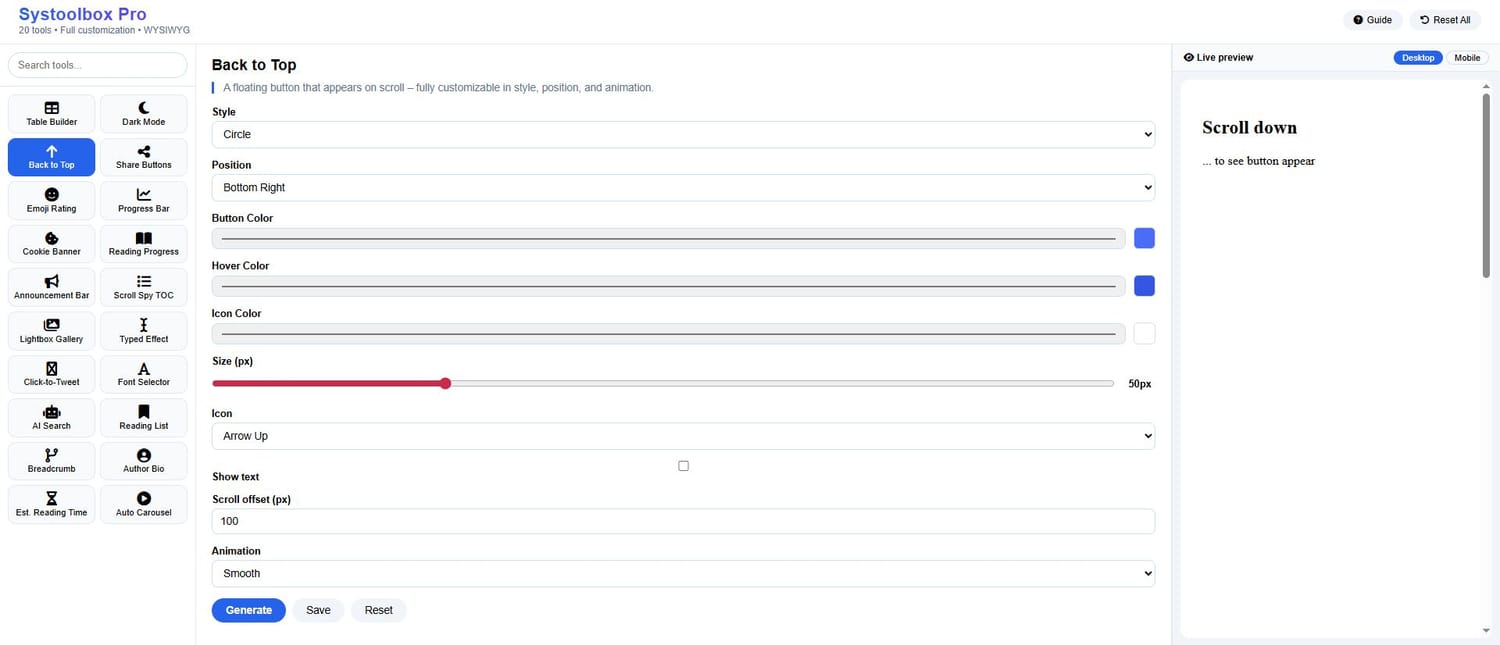
Generate button and live preview with scrollable content
The code appears in the Embed Code section at the bottom.
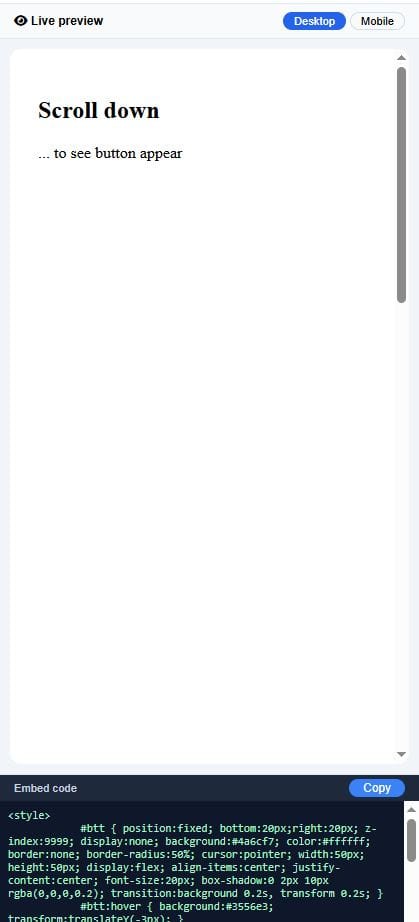
screenshot: Embed Code section with the generated HTML
Step 4: Copy & Paste the Code On Systeme io
Click "Copy" in the Embed Code section
Open your Systeme.io page editor
Add a Raw HTML block or use the 'edit footer code' button located in settings
Click "Edit code" and paste
Save the page
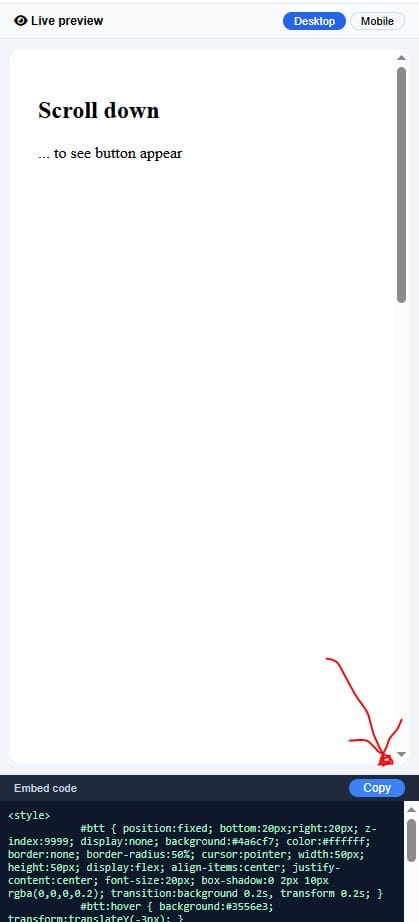
Embed Code section with the generated HTML
The code appears in the Embed Code section at the bottom.
Live View of The Tool

COMMENTS
BE THE FIRST TO LEARN NEW WAYS TO MAKE MONEY
Learn how to earn money without being 100% involved in the process. Even if you're a beginner.
Learn how to start a private community where people will pay to access your content.
Algorithmic trading uses trading advisors to place trades on the markets to earn profits while you're somewhere else.

12 creative and realistic ideas to turn 10k into 100k for profit. Read more

The New Way to Start Affiliate Marketing. How to make it less time consuming while earning more even as a beginner. Read more


By Julian Croft
Julian Croft (Jesse) is the founder of The Hustle Nation, a blog dedicated to helping introverts build genuine passive income (not the hyped one) through faceless, sustainable methods. After a decade in data analysis, he now uses his research skills to cut through the online hype and deliver actionable, trustworthy advice.




The Hustle Nation is your #1 community to find passive income ideas for introverts, side hustle ideas, online side jobs. Join part-time hustlers on the path to financial freedom with proven strategies, tools, and inspiration to benefit from your free time. Learn newest tricks to earn money on the internet without showing your face on a camera. All our posts are not financial advise. Always do Your Own Research for informed decision.